

Modern trials move quickly. Juries expect clarity, judges expect efficiency, and courts increasingly understand that high-tech trial presentation improves comprehension and speeds up proceedings. This true story illustrates exactly what happens when one trial team is prepared—and the other isn’t.
How Technology Changes Trial Dynamics
Years ago, my firm and I were hired for a medical malpractice trial. I had previously spoken with counsel at the International Association of Defense Counsel meeting in Maui, where we presented The High-Tech Trial—a program focused on how courtroom technology transforms advocacy.
Courts nationwide were beginning to recognize that displaying exhibits on large screens, using video clips, and presenting digital callouts significantly reduced juror confusion. Passing paper exhibits row by row took time. Digital presentations saved it.
When counsel contacted me again, he explained that opposing counsel had specifically requested the courthouse’s high-tech courtroom. That meant preparation was critical.
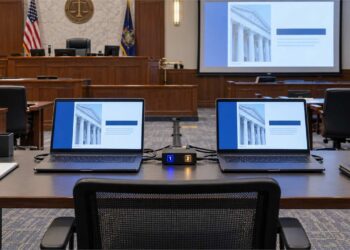
Inside the High-Tech Courtroom
This was not a simple Elmo setup. The courtroom included:
- Multiple screens for the jury
- Monitors at each counsel table
- A judge’s preview screen
- Integrated audio for video depositions
- A full digital switching system
- A judicial “kill switch”
Used correctly, the system allowed for seamless presentation of video clips, callouts, and marked exhibits. We began building the digital case file immediately.
The Mandatory Courtroom Walkthrough
One week before trial, we scheduled a walkthrough. The Court confirmed:
- Both sides were required to test their materials
- The judge expected full compatibility
- No trial would be delayed due to avoidable tech issues
We arrived prepared.
We plugged in our systems.
We ran video deposition clips.
We displayed exhibits.
We tested callouts and highlights.
Everything worked perfectly.
Following my Silent Advocacy practice, I also provided the law clerk with a portable drive containing:
- Every exhibit
- All video clips
- A complete indexed digital library
This ensured instant access for the Court throughout the trial. The opposing team was scheduled to test after us.
Trial Morning: A Surprising Sight
On Monday morning we set up:
- Two trial laptops (identical files, A/B switch for backup)
- A portable Elmo
- A scanner for newly marked exhibits
- A standalone emergency trial kit (projector, screen, speakers, monitors)
We stepped into the hallway for coffee.
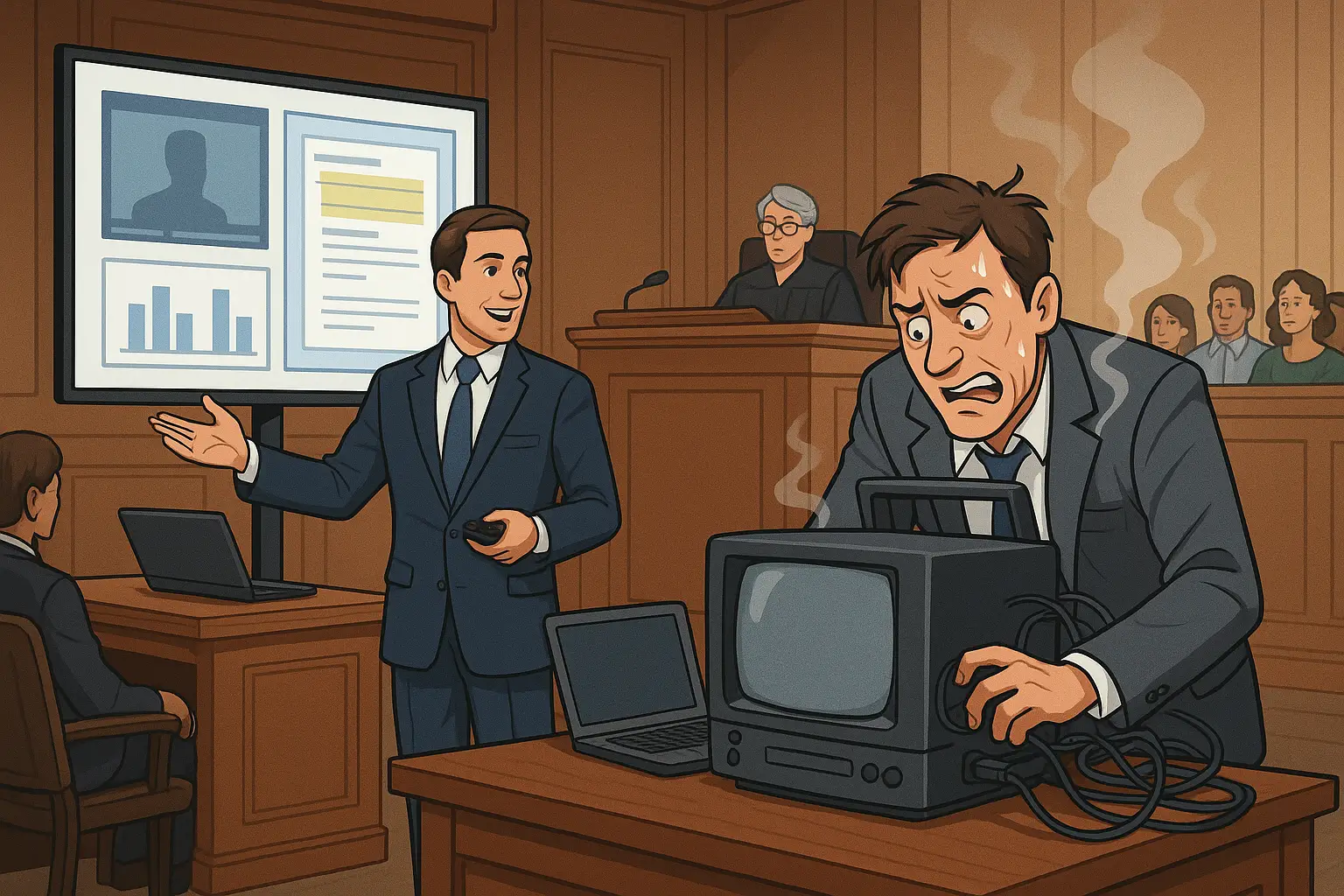
Up the hallway rolled opposing counsel—pushing a cart full of outdated equipment:
- A bulky TV
- A DVD-based computer
- Tangled wiring
- No backup systems
We assumed they were headed to another courtroom.
They weren’t.
The Judge Was Not Pleased
When court convened, the judge immediately asked:
- “Did you complete your required walkthrough?”
- “Did you test your videos and documents on this system?”
They had not.
Their equipment was incompatible. Videos would not play. Exhibits could not display. And trial had to begin.
Finger-pointing began. But trial proceeded.
The Outcome
The trial lasted five days.
Our presentation was smooth, efficient, and clear. Opposing counsel struggled throughout with malfunctioning equipment and improvised solutions.
Did this impact the jury?
Possibly.
But the results were definitive:
They did not receive a verdict in their favor.
Key Lessons From This High-Tech Trial Presentation
- Always follow the Court’s instructions.
- If you request a high-tech courtroom, be prepared to use it.
- Trial presentation begins well before trial day.
- Juries appreciate clarity, efficiency, and professionalism.
- Starting off on the wrong foot never benefits your client.
Technology is not a gimmick—it is advocacy. Used well, it becomes a form of Silent Advocacy that strengthens your narrative and earns the jury’s attention.
The Takeaway
In today’s courtroom, preparation and technology matter as much as evidence. If you walk into trial with outdated tools while your opponent presents a clear, efficient digital case, you place yourself at an immediate disadvantage.
You don’t take a knife to a gunfight—especially when the courtroom is built for high-tech trial presentation.
About the Author
Thomashttps://phillylegalnews.com/about-the-editor/ G. Oakes is a trial presentation specialist and former court reporter with more than 40 years of experience in courtroom technology, litigation support, and trial strategy. He has presented nationally for IADC, FDCC, and ABA programs and teaches trial technology at Temple University’s LL.M. in Trial Advocacy.
Frequently Asked Questions About High-Tech Trial Presentation
Why is high-tech trial presentation important in modern courtrooms?
High-tech trial presentation helps juries understand information more clearly and allows cases to proceed more efficiently. Digital tools such as video clips, timelines, callouts, and exhibit displays reduce confusion, save time, and improve the overall flow of the trial.
What advantages does a high-tech courtroom provide to trial lawyers?
High-tech courtrooms often include multiple display screens, audio systems for video depositions, judicial preview monitors, and switching systems that allow lawyers to present exhibits seamlessly. These features give prepared attorneys a clearer, more professional way to present evidence.
Why should attorneys test their presentations before trial?
Testing ensures that all documents, video clips, and digital exhibits are compatible with the courtroom’s system. Courts expect attorneys to complete walkthroughs so trials can begin without delays. Failing to test may result in technical problems that harm the attorney’s credibility with the judge and jury.
What can happen if a trial team brings outdated or incompatible equipment?
Using outdated equipment can lead to playback failures, display issues, and interruptions during trial. These problems can frustrate the judge, confuse the jury, and undermine the persuasiveness of the attorney’s case. In some instances, poor presentation may even affect the trial’s outcome.
What is Silent Advocacy in trial presentation?
Silent Advocacy refers to the seamless use of trial technology to enhance communication without distracting from the evidence. Providing digital files to the court, preparing organized exhibits, and ensuring smooth presentation help the judge and jury engage with the case more effectively.
When should attorneys start planning their trial presentation?
Trial presentation should begin at the outset of the case. Attorneys should consider how videotaped depositions, timelines, medical records, and other exhibits will be displayed to the jury long before trial begins. Early planning ensures that evidence is presented clearly and supports the overall story of the case.
Disclaimer: This article is provided for informational and educational purposes only and does not constitute legal advice. Courtroom procedures, technology requirements, and trial strategies vary by jurisdiction and by case. For advice regarding a specific legal matter, consult with a licensed attorney in your jurisdiction.